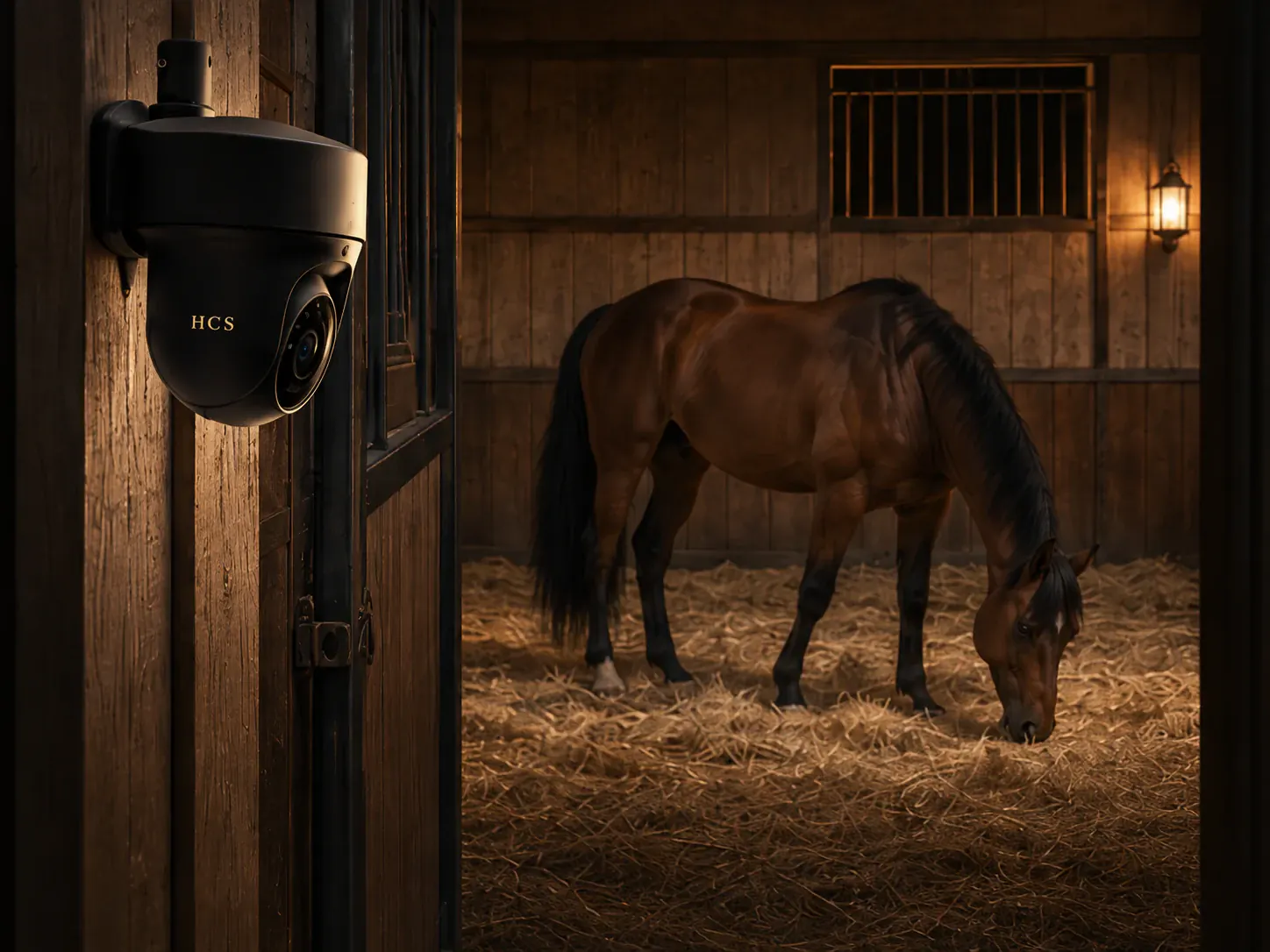
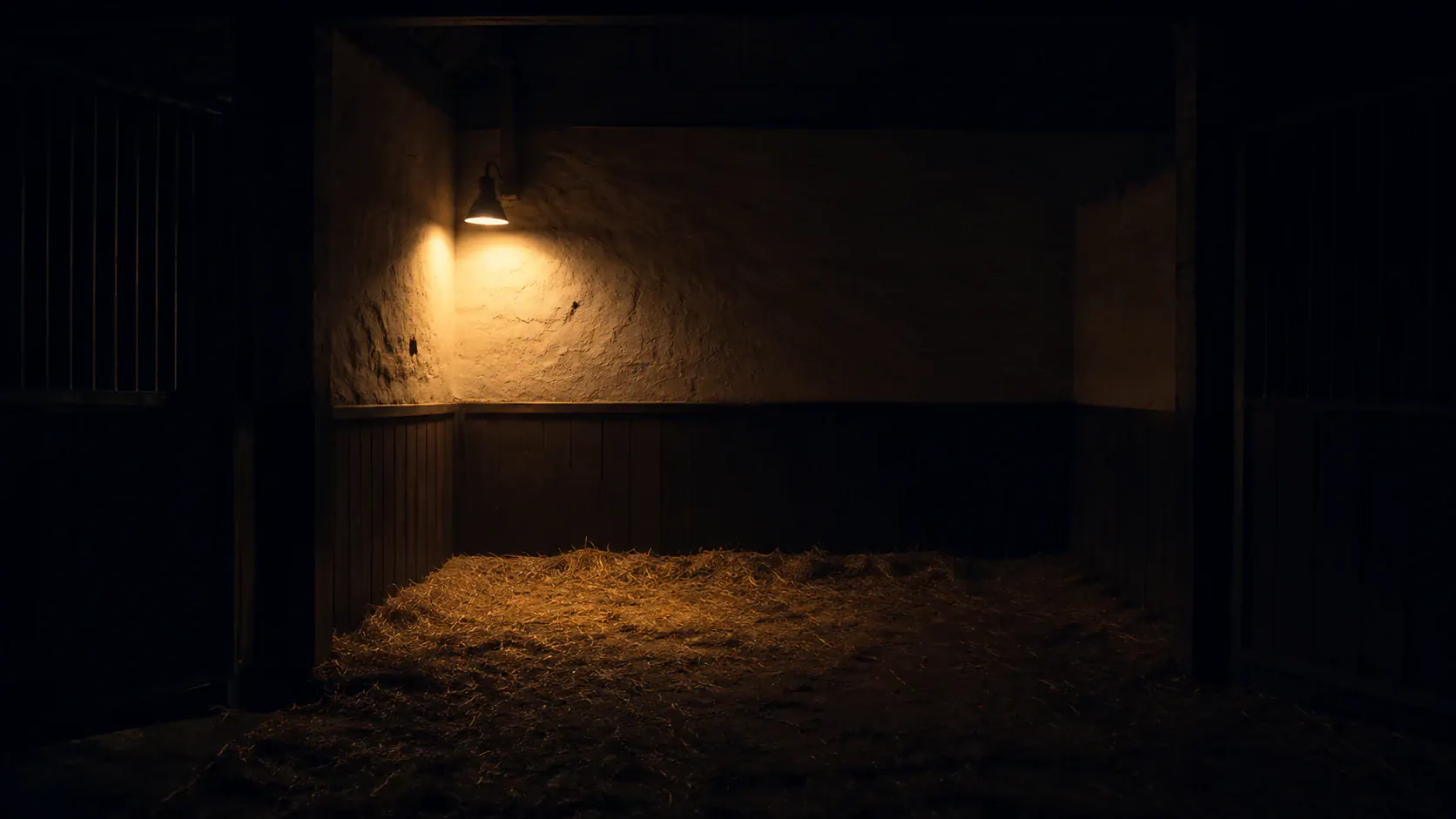
A camera in the stall is the simplest way to check on your horse without walking down to the yard. Owners use them for night checks, for foaling season, to see who came and went, and for the peace of mind of opening a phone and seeing a horse quietly eating hay.
But a camera that works well in a living room often struggles in a stable. Dust, ammonia, damp, heat, darkness and a curious horse are hard on equipment. This guide covers what to look for so the camera you buy still works on the night you need it.
1. Night vision that actually shows the horse
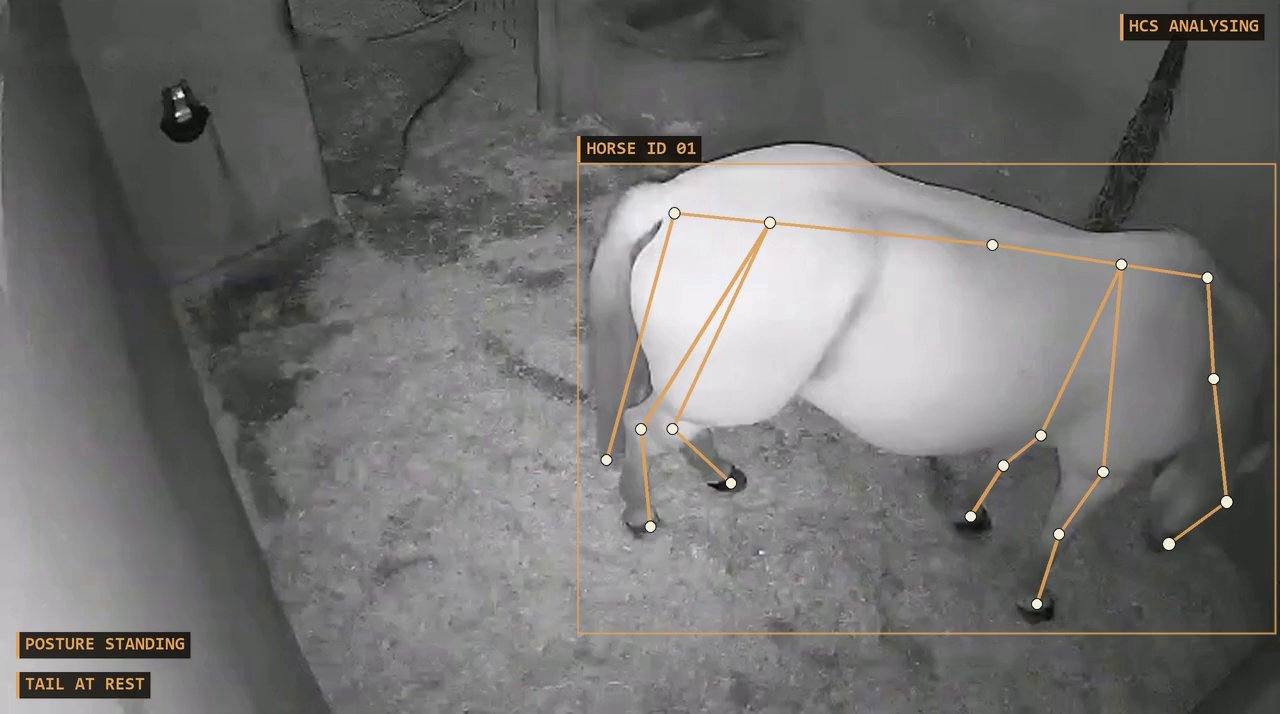
Most of what you need to see happens in the dark. Look for a camera with infrared (IR) night vision: built-in infrared lights that light up the stall in black and white without disturbing the horse.
- Check the IR range. It should comfortably cover the far corner of the stall, not just the area near the camera.
- Watch out for reflections. IR light bounces off nearby walls, beams, cobwebs and dust. A camera mounted right against a pale wall can turn the picture into white glare. Mount it where nothing sits close in front of the lens.
- Faint red glow or none. Some IR lights glow faintly red. Most horses ignore it, but if yours doesn't, "no-glow" IR exists, usually with a shorter range.
- Colour night vision needs some light in the stall. It is nice to have, not essential.
2. The right angle: the whole stall, including the floor
A camera that only shows the horse's head over the door misses most of what matters: lying down, rolling, getting stuck against a wall.
- Mount it high in a corner, about 2.5 to 3 metres up, looking down across the stall. You want to see the whole floor and all four walls.
- One camera per stall. A camera covering two stalls through a partition rarely shows either horse properly.
- Keep it out of reach, and run the cable through conduit. Horses chew cables.
- Avoid bright windows or doors behind the horse. Backlight turns the horse into a silhouette during the day.
3. Picture quality: steady beats sharp
You don't need 4K. A 2 to 4 megapixel camera is plenty for a stall. What matters more is a steady stream: a smooth picture at a reasonable frame rate (around 15 to 25 frames per second) that doesn't freeze, drop out or blur every time the horse moves.
4. Built for a stable, not a living room
Stables are tough on electronics. Look for:
- An outdoor or weatherproof rating, ideally IP66 or IP67, to keep out dust, moisture and wash-down spray
- An operating temperature range that suits your climate. Summer heat in Egypt and the Gulf goes well beyond what many indoor cameras are rated for.
- A metal housing and a sun or rain hood where the camera faces the elements
5. How the camera connects
This is where many stable setups fail.
| Connection | Good for | Watch out for |
|---|---|---|
| Wired (PoE): one network cable carries power and data | Reliable, permanent installs | Needs cabling to each stall |
| Wi-Fi | Quick setup close to the router | Barns are hard on Wi-Fi: distance, walls and metal often make the stream drop |
| 4G / mobile data | Remote yards with no internet | Needs good mobile signal, and a data plan that can handle video |
If you can run cable, PoE is the most reliable choice. A single PoE switch or recorder (NVR) powers and connects every camera.
6. An open video stream (RTSP)
If you want software to watch the camera for you, not just yourself on an app, the camera needs to offer an open video stream. The common standard is RTSP (often alongside ONVIF).
- Many models from brands such as Hikvision, Dahua and Reolink provide an RTSP link. Check the model's specifications before you buy.
- Many consumer cloud cameras, such as Ring, Arlo and Nest, only stream to their own app. They work for a quick look on your phone, but other software can't use their video.
7. Recording, access and privacy
- Decide where recordings are stored (a recorder, an SD card or the cloud) and for how long.
- Limit who can see the cameras. Grooms and staff should know where the cameras are and what is recorded.
- Change default passwords and keep the camera's software up to date.
Quick checklist
| ✔ | What to check |
|---|---|
| ☐ | Infrared night vision that reaches the far corner of the stall |
| ☐ | Mounted high in a corner, showing the whole floor |
| ☐ | One camera per stall, out of the horse's reach |
| ☐ | 2–4 MP with a steady, smooth stream |
| ☐ | Weatherproof rating (IP66/IP67) and suited to your climate |
| ☐ | Wired PoE where possible; 4G for remote yards |
| ☐ | RTSP stream if software will watch it |
| ☐ | Staff informed; access limited; passwords changed |
Who watches the camera at 2 a.m.?
A good camera solves half the problem. The other half is that nobody can watch eight hours of night footage, and the moment that matters is easy to miss on a phone screen at 2 a.m.
This is what HCS is for. Connect your camera's RTSP link and HCS watches it for you: it finds the horse, tracks its posture and movement, and alerts you, with the clip, when something looks wrong, such as repeated rolling or going down and getting up again.
If you already have IP cameras, you can usually just add their RTSP link. If some of your cameras aren't up to it, we keep the good ones and replace the rest. And if your yard has no cameras or internet yet, an HCS camera that streams over 4G is on the way. Tell us about your stable and we'll help you work out what you need.